Everything you need to assemble, understand, and troubleshoot your kit - written for explorers of all skill levels. Estimated build time: 1โ2 hours.
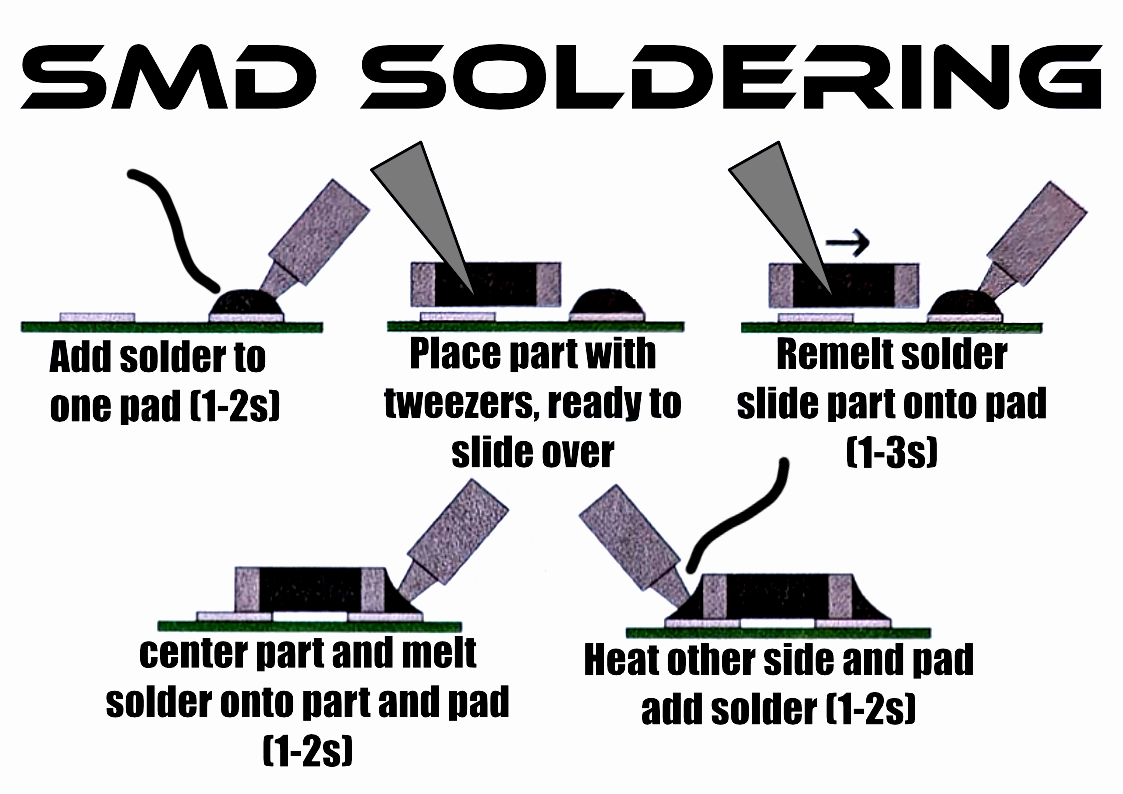
Take a few minutes to read through a soldering basics guide before you start. Two good options:
Avoid inhaling solder smoke. Exhale while soldering to blow fumes away, and work in a well-ventilated area or use a fume extractor.
Avoid eating or drinking while soldering - solder may contain lead. Wash hands when you're done.
When trimming leads, hold the lead or aim it downward to avoid flying metal. Wear safety glasses, and keep your iron away from anything but its stand while hot.
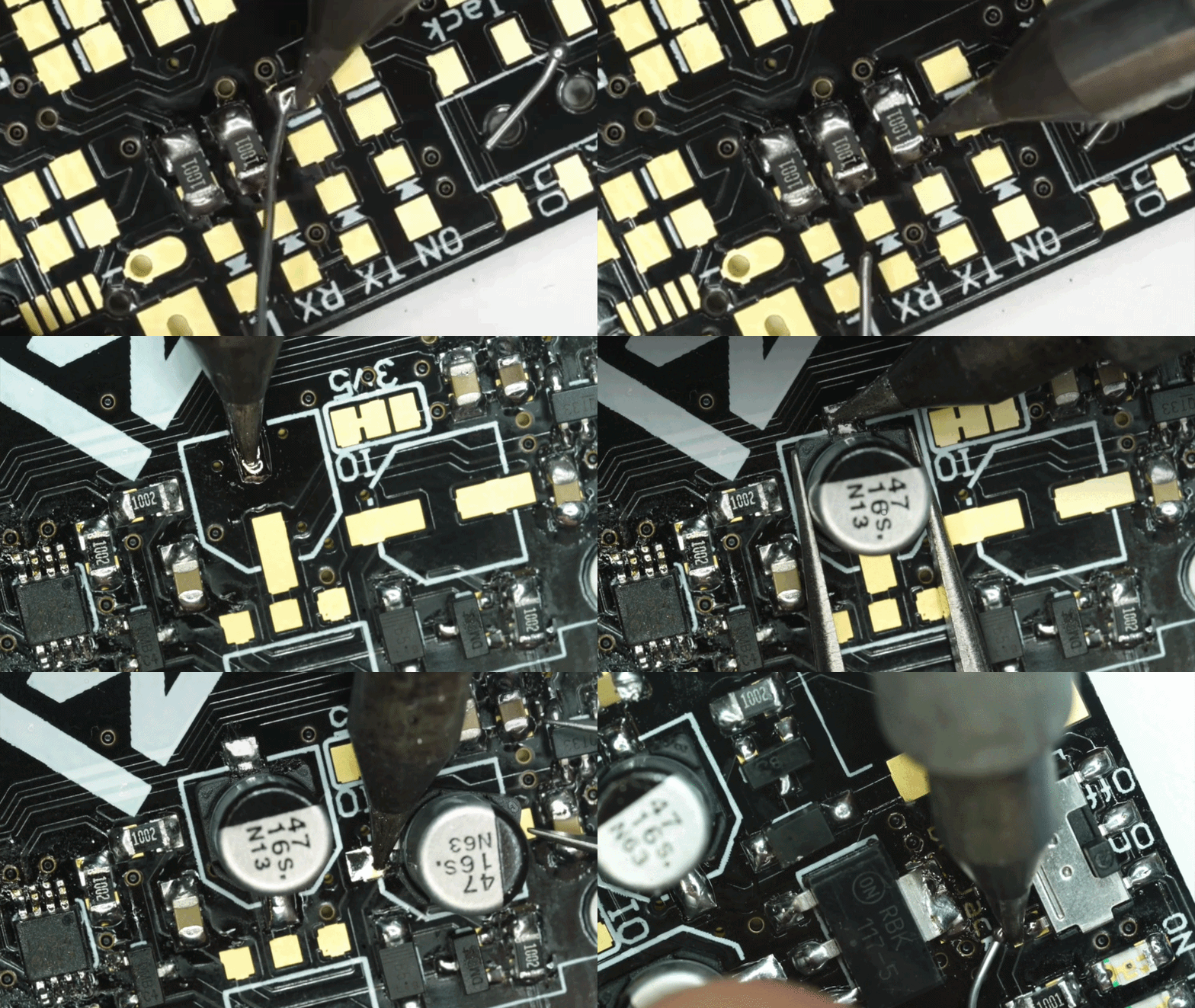
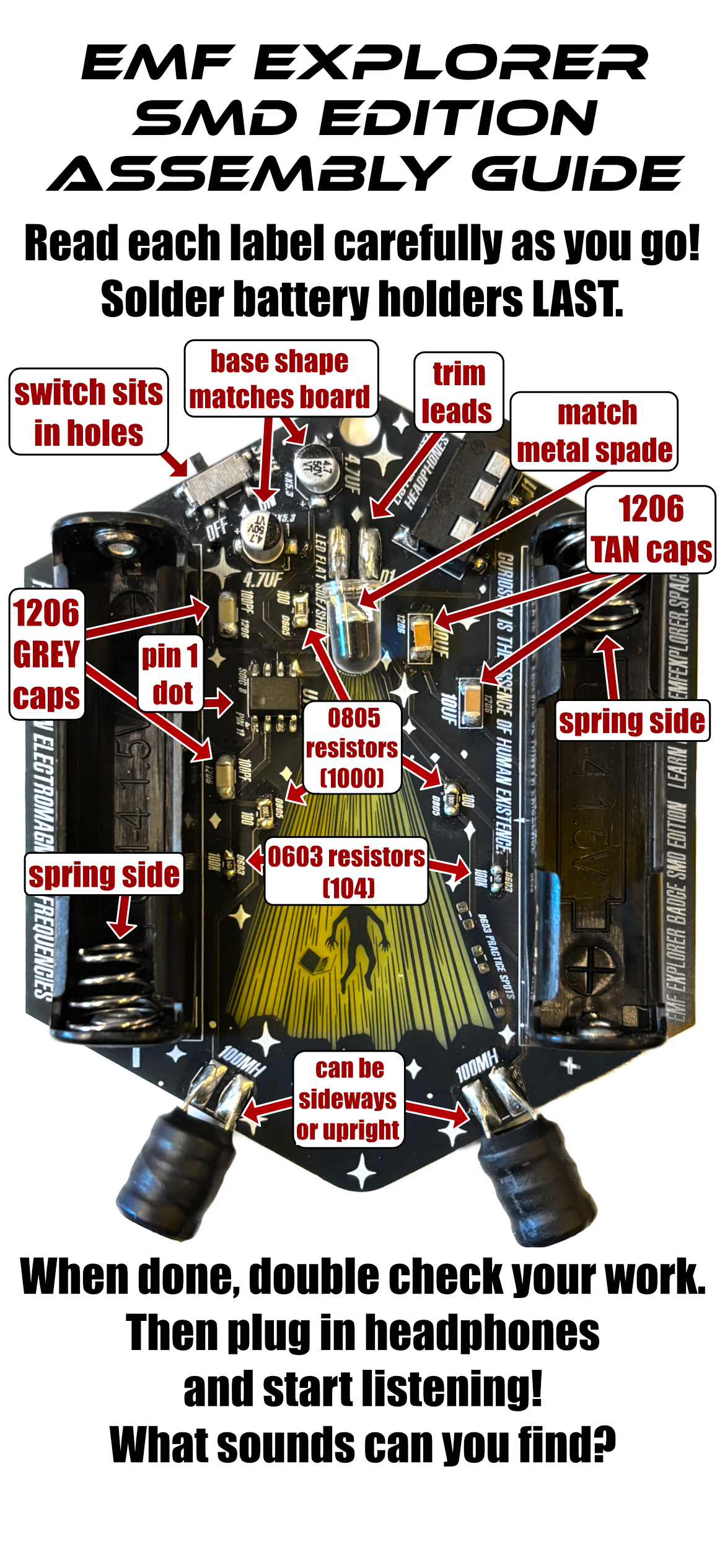
Your component layout photo is your build map. Red text labels on parts indicate they must be inserted in a specific orientation - read the description for each part before placing it. Solder in stages and check your work as you go. Zoom in on the diagram as needed.
Prefer video? Watch the full video assembly guide on YouTube.
Hold the lead with your other hand, or aim it downward, before snipping - and wear safety glasses.
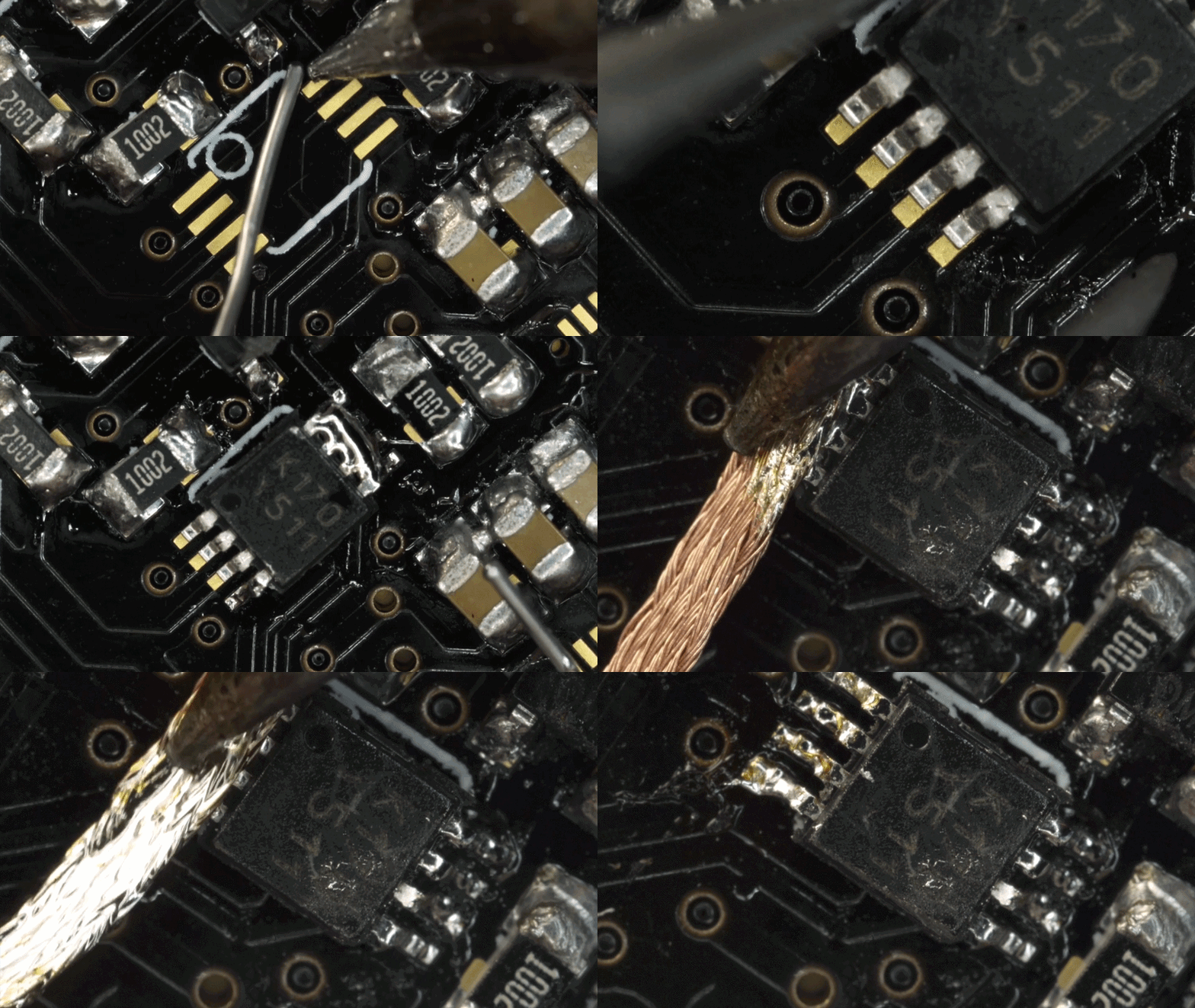
Make sure all solder joints connect securely and look shiny/smooth. Reflow solder as needed to get a solid bond.
Connect the batteries, plug in your headphones, and hold your EMF board close to an electronic device - a cellphone, a power cable, even your soldering iron. You should hear that device's EMF signature in your headphones.
Listen to different devices and notice the differences. How do Bluetooth headphones sound when connecting versus transmitting? What does a laptop touchpad sound like under your finger? Get curious about everything around you - the field guide below has ideas on what to listen to first.
Hold your badge close to these everyday devices and listen through your headphones.
Detect the low-frequency hum given off by chargers, adapters, and power bricks.
Hear how a switch connects the power circuits running through the walls around you.
Pick up the internal operational emissions of laptops, desktops, and displays.
Dimmer switches and motor speed controllers produce distinctive variable-frequency noise.
Listen for the power circuit emissions of phones and communication equipment.
Hear the internal electronics at work - notice how the sound changes between connecting and transmitting.
Pick up IR emitters and other emissions when a remote is in use.
Scooters, parking meters, vending machines, "open" signs - explore everything you can find.
New to listening for EMF? Try these starter challenges on your own or with a group:
Turn on a pair of Bluetooth headphones near your badge. Listen for the moment they connect to a phone - does the sound change?
Hold your badge near a laptop touchpad. Tap and drag your finger across it - what does touch sound like?
If you have access to a dimmer switch, slowly turn it up and down while listening. Notice how the pitch shifts.
Take your badge outside. Parking meters, "open" signs, scooters, and streetlights all have stories to tell.
This kit is for everyone curious about their surroundings. Wear it on a lanyard to light your way at night, or pick up headphones and start hunting for EMF signals. It's a great entry point into electronics - no prior experience required.
Every conductive material can act as an antenna, picking up small currents from electromagnetic waves, which can be amplified and heard. Likewise, anything emitting electronic signals radiates them into the space around it - signals a coil of wire (like the inductors on this board) can pick up. Everyday household electronics tend to emit disturbances between 20Hz and 20kHz - right in the range of human hearing. EMF Explorer amplifies those signals by roughly 1000x so you can hear them clearly.
Inductors on the board detect EMF signals. When a changing magnetic field passes near an inductor, it induces a voltage - that voltage is amplified and sent to your headphones as sound.
Watch this Veritasium video on how electronic signals create a magnetic field around wires to move electrons.
Read NASA's guide to the electromagnetic spectrum for the bigger picture.
Explore a broad range of frequencies with the University of Twente's WebSDR tunable receiver.
Designed in KiCad - the badge artwork was built with vector layers in Affinity Designer, then converted into KiCad layers using Gingerbread. Explore the full design files on the EMF Explorer Badge GitHub repository - or read about it in Make: Volume 90.
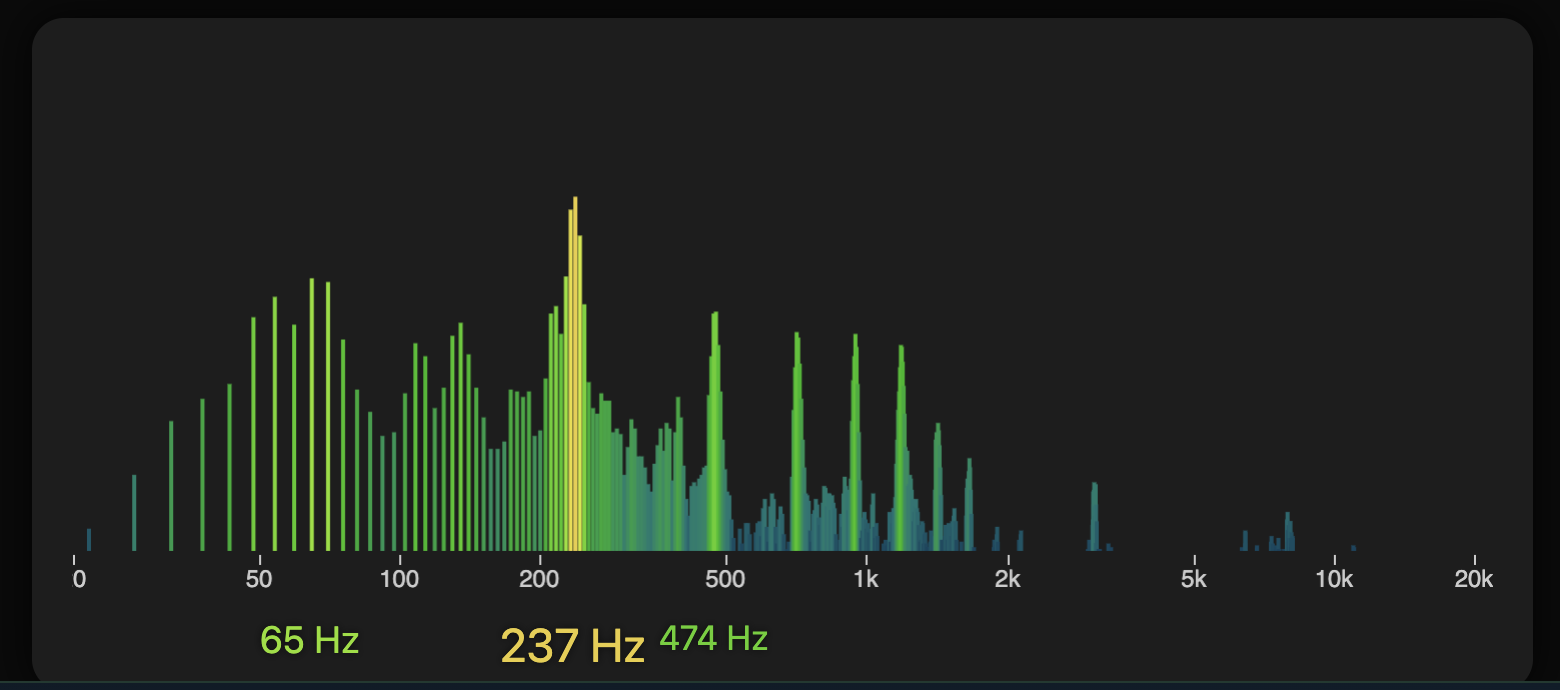
Plug your badge into your computer with a 3.5mm TRS to USB-C cable and see the frequencies it's picking up in real time.
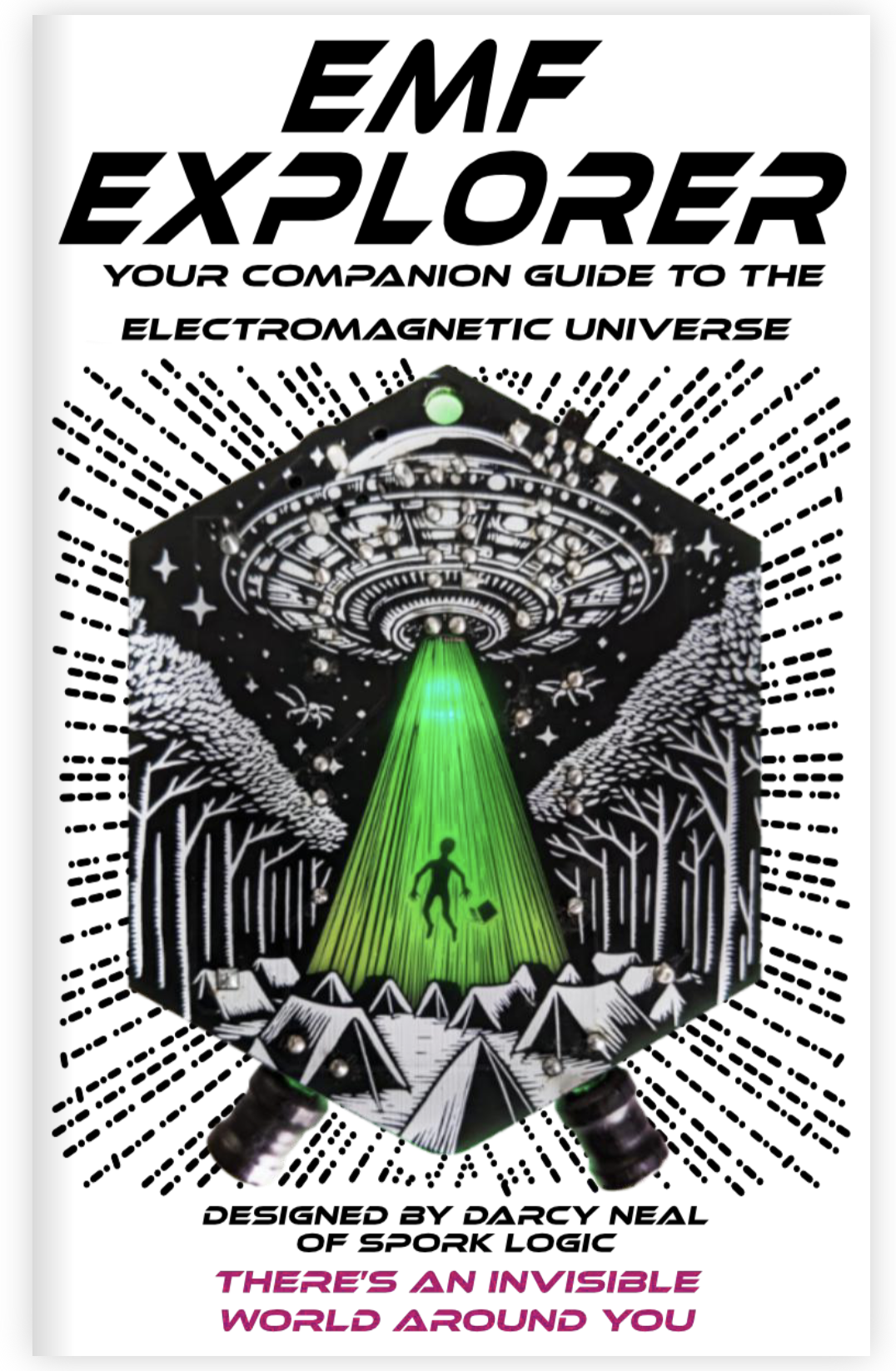
The EMF Explorer Zine is a hand-illustrated companion to the badge - covering the science, the build, and the world of signals worth exploring.